Read PDFs next to your notes.
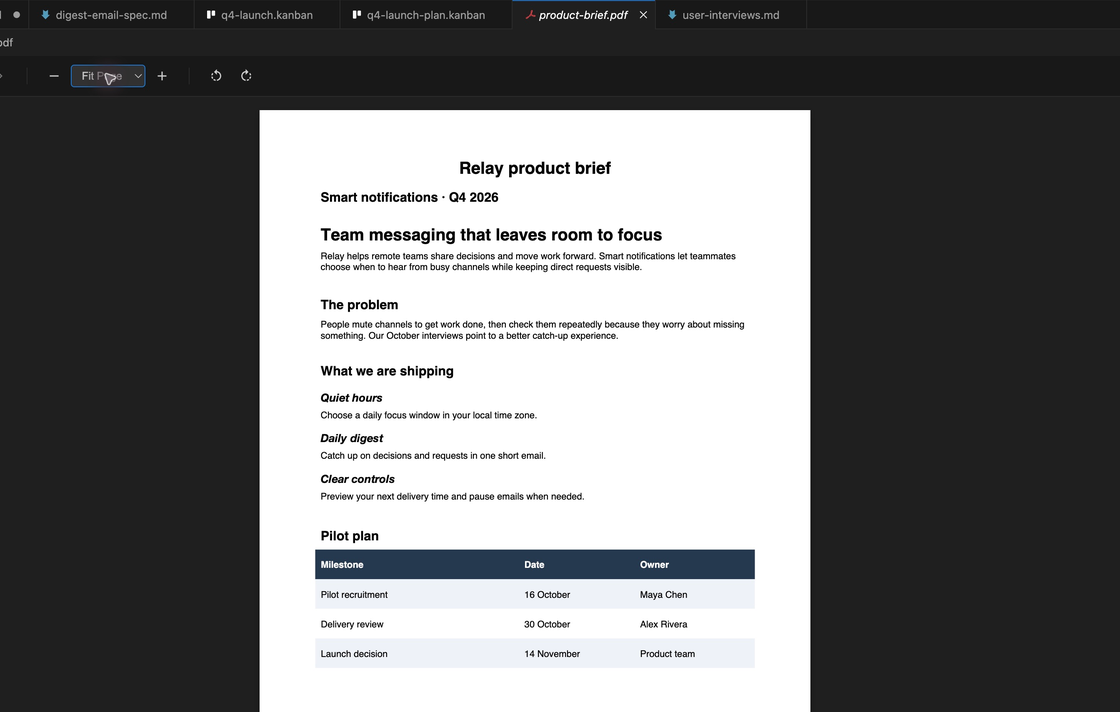
Open briefs, contracts, and research reports in a tab, right beside the doc you are writing.
- Zoom in and out
- Page through long documents
- Sharp text on high resolution screens
built-in viewers
Read the brief or check the roadmap without switching apps. PM Toolbox opens office files in an editor tab, read-only.
For VS Code, Cursor, Windsurf, Antigravity, and other VS Code editors.
four viewers
Product work still runs on PDFs, Word docs, and spreadsheets. Open them in a tab next to the spec you are writing.
Open briefs, contracts, and research reports in a tab, right beside the doc you are writing.
word
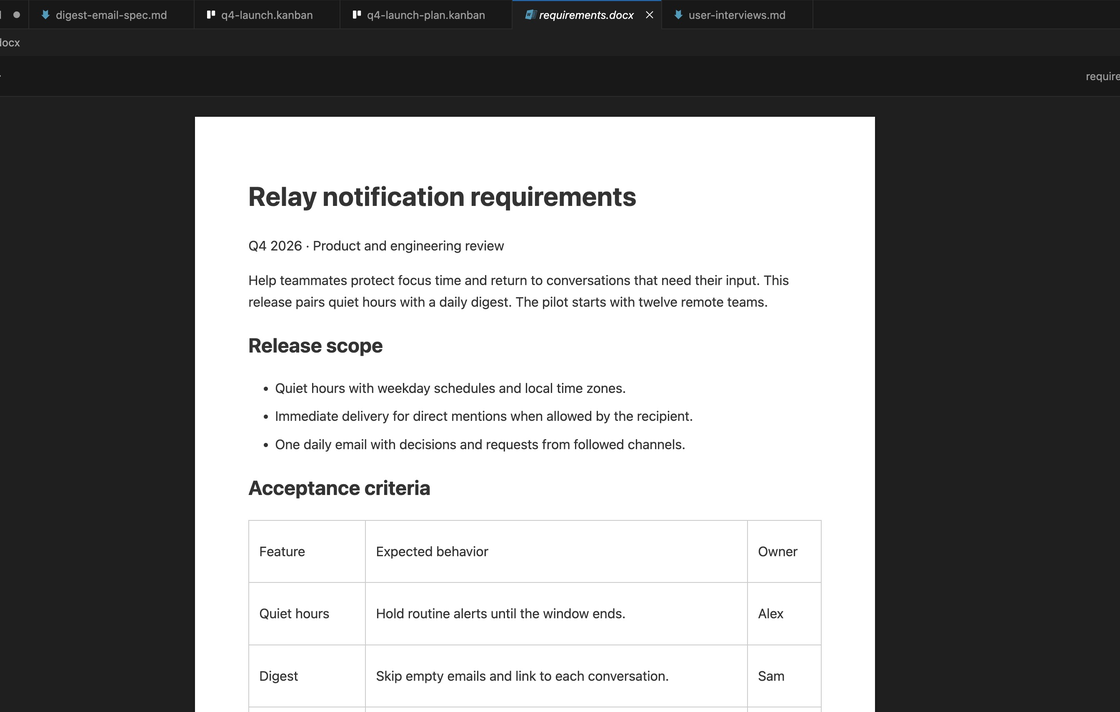
Read the requirements doc someone sent over without leaving the editor.
excel
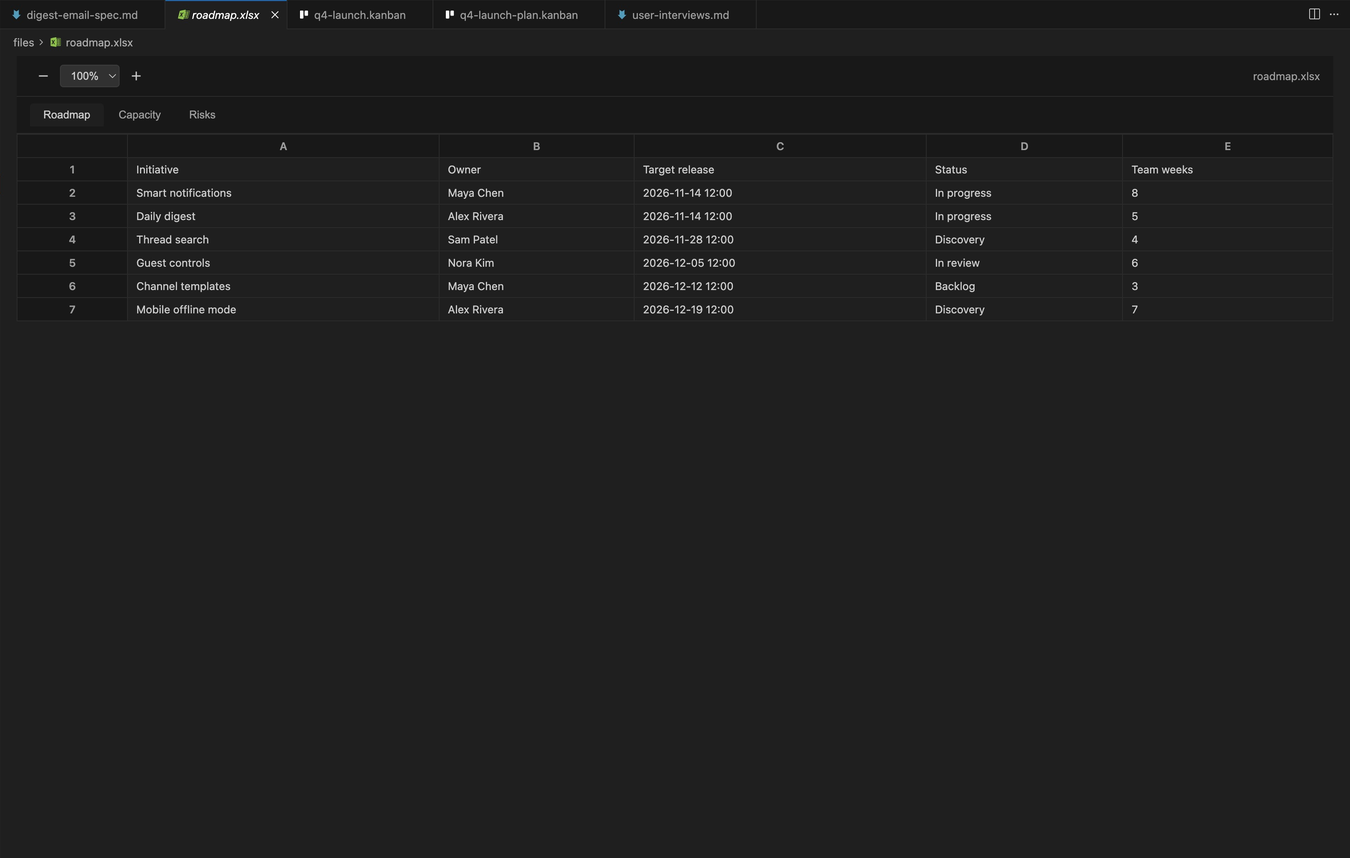
Check the roadmap or the capacity plan in the same window as your spec.
csv
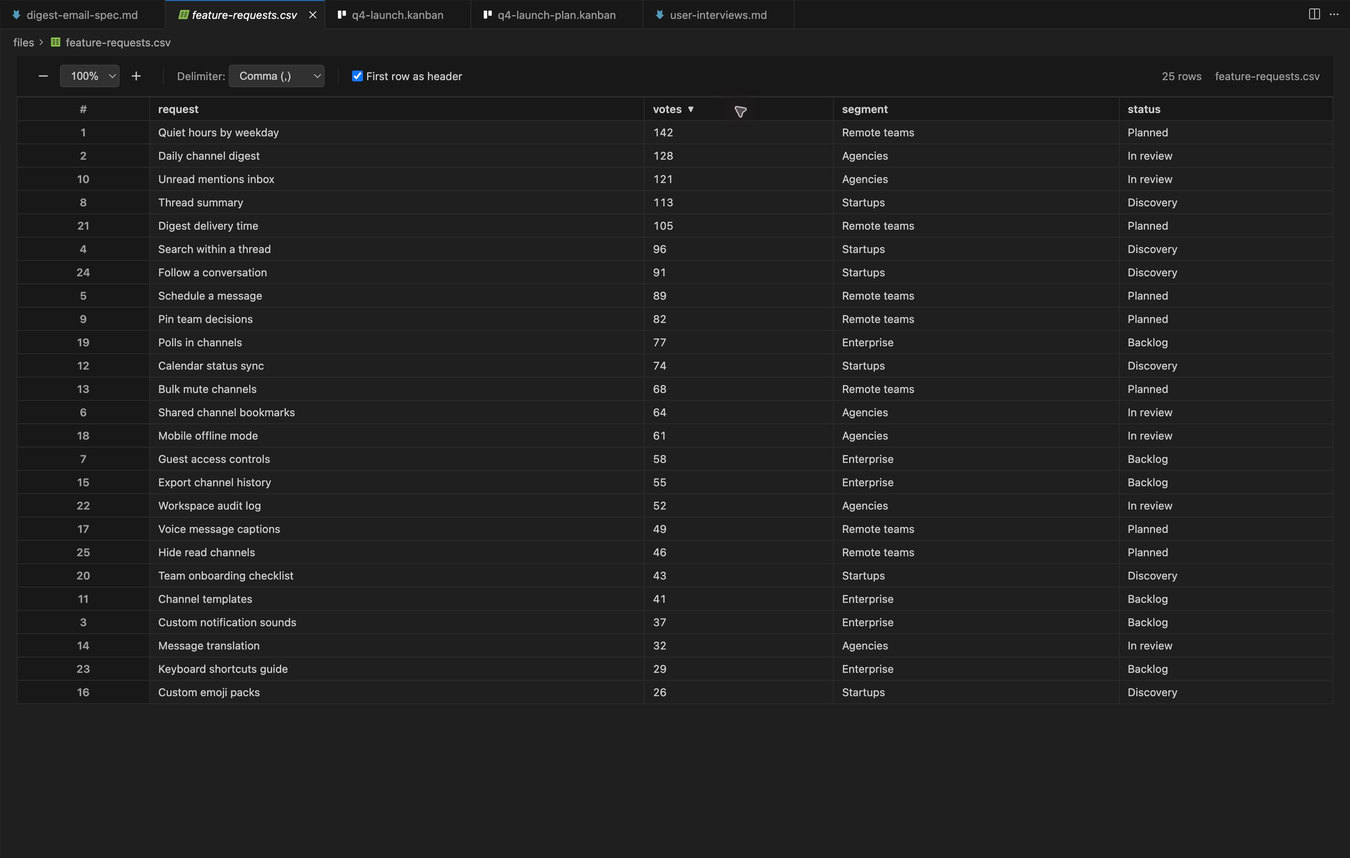
Find the most requested feature in seconds. Sorting only changes the view, never the file.
faq
No. The viewers are read-only by design, so you can check a file without risking changes to it.
No. The viewers render each file inside your editor.
Yes. Click a column header to sort. Numbers sort as numbers, and sorting only changes the view, not the file.
Downloaded 14,000+ times. Install it, open any .md file, and type /.
For VS Code, Cursor, Windsurf, Antigravity, and other VS Code editors.